How to get appKey
Please apply for a Web appKey in Account Management - SDK.
The application process can be roughly divided into the following three steps:
-
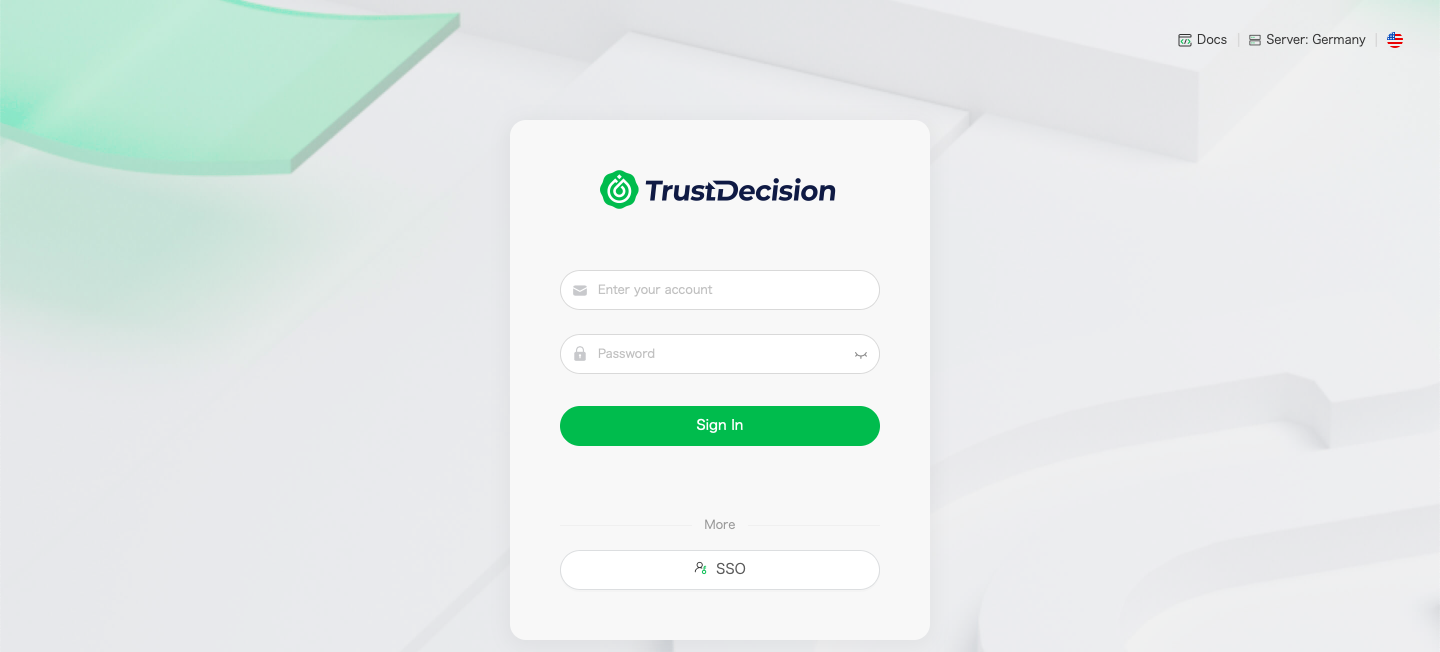
If you have not logged in to your account, select the corresponding server and log in, as shown below:
-
After logging in, enter the console and click
Account Management-Developer-Keys & SDK, as shown below: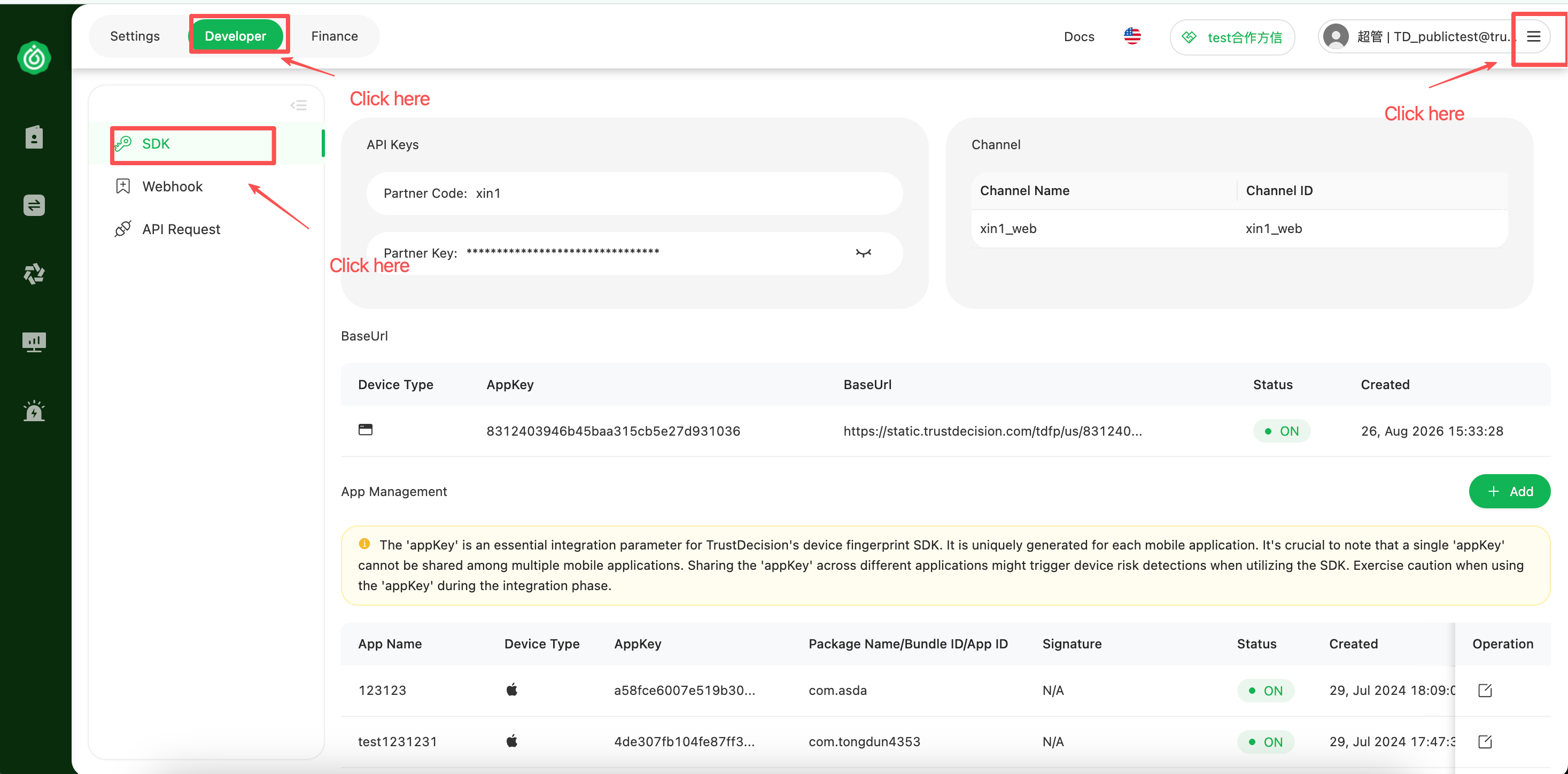
-
In the
BaseUrlsection, clickCreate BaseUrl, and then clickOKto complete the application, as shown below: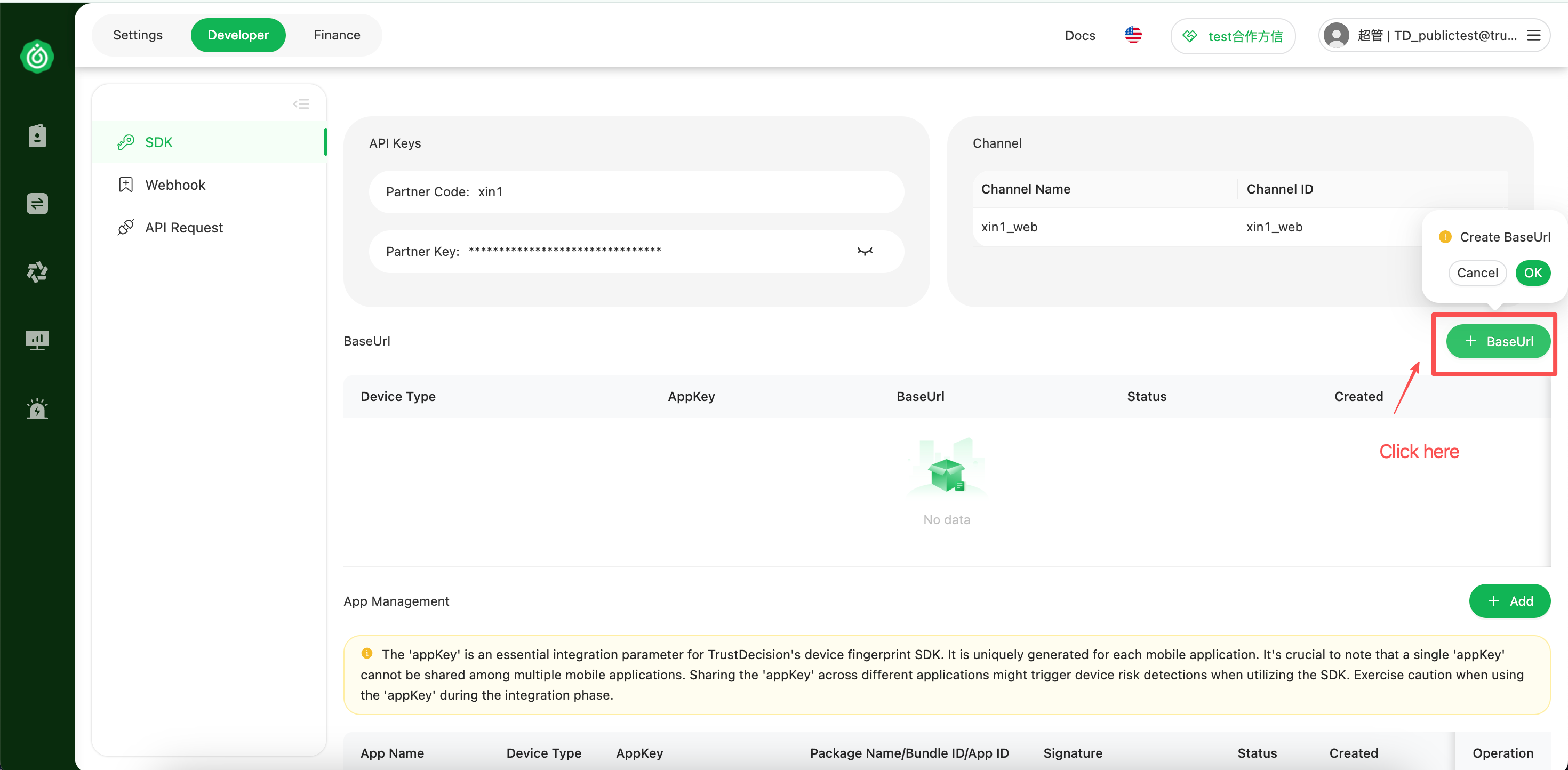
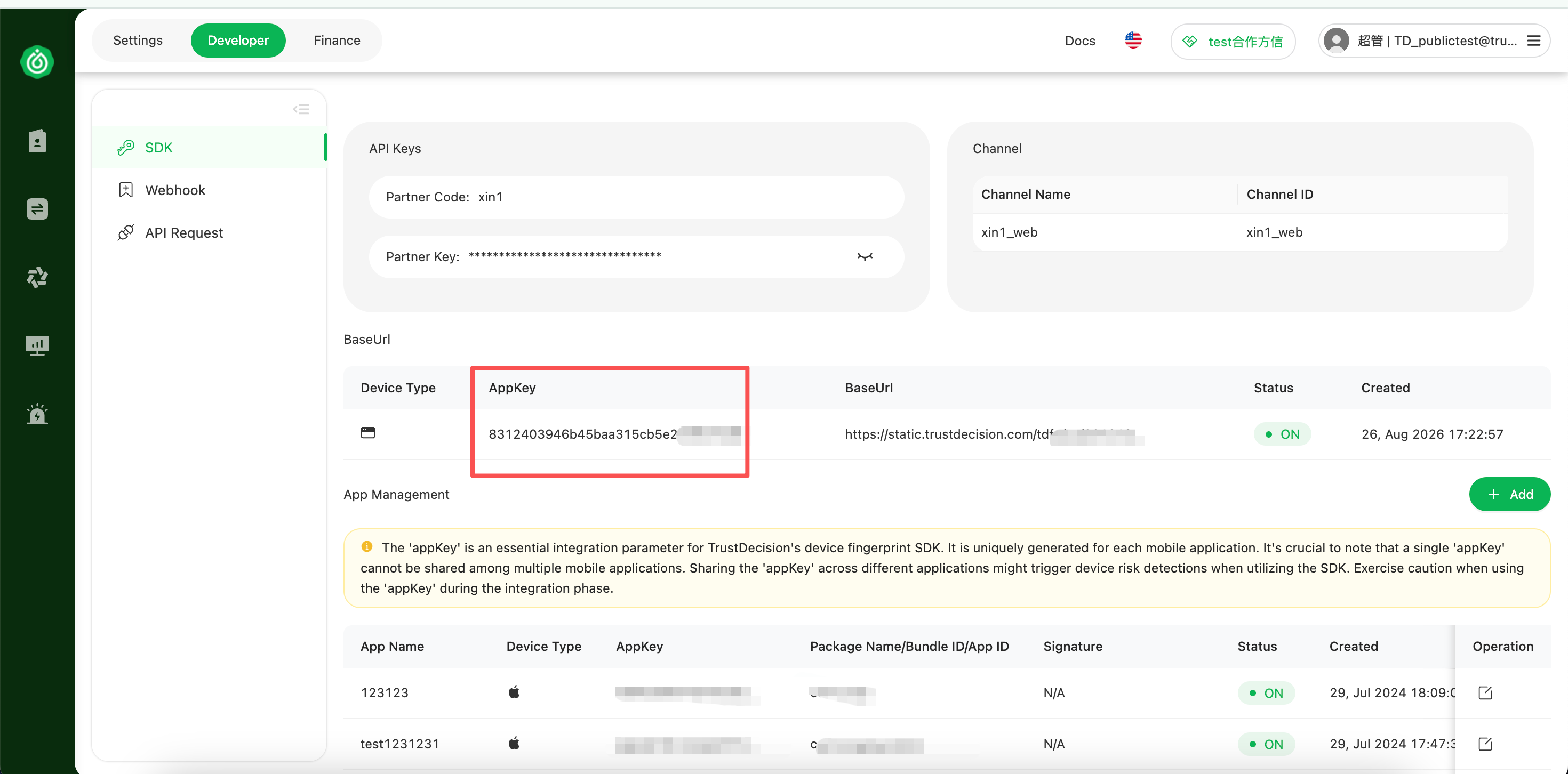
After the BaseUrl is created, you can view the appKey, Load URL, application status, and creation time in the BaseUrl list, as shown below: